Why Profit & Loss Tracking Is Critical for Amazon Sellers
Sales alone don’t show business health.
Only Profit & Loss (P&L) tells the real story.
With proper P&L tracking, sellers can:
-
Know real profit per order
-
Control Amazon fees & ad spend
-
Avoid hidden losses
-
Plan inventory confidently
-
Grow business sustainably
Step 1: Calculate Total Sales Revenue
This is the total amount customers pay for your products.
Include:
-
Product selling price
-
Shipping charges collected
-
Gift wrap charges (if applicable)
Step 2: Deduct Amazon Fees
Amazon automatically deducts multiple fees from each order.
Common Amazon Charges:
-
Referral (Commission) Fee
-
Closing Fee
-
FBA Pick & Pack Fee
-
Weight Handling Fee
-
Storage Fee
-
Shipping Fee (Easy Ship / Self Ship)
Step 3: Subtract Product Cost (COGS)
COGS = Cost of Goods Sold
Include:
-
Product purchase or manufacturing cost
-
Packaging cost
-
Inward logistics cost
Step 4: Deduct Advertising Costs
Amazon Ads can increase sales—but also silently reduce profit.
Include:
-
Sponsored Product Ads
-
Sponsored Brand Ads
-
External promotions (if any)
Step 5: Account for Returns & Refunds
Returns are one of the biggest hidden losses for sellers.
Include:
-
Refund amount
-
Return shipping charges
-
Damaged or lost items
Step 6: Deduct GST & Business Expenses
Include:
-
GST on Amazon fees
-
GST payable on sales
-
Accounting software cost
-
Staff salary
-
Office & internet expenses
Common Mistakes Sellers Make ❌
-
Tracking only sales, not profit
-
Ignoring ad spend impact
-
Forgetting GST on Amazon fees
-
Not accounting for returns
-
Managing everything manually in Excel
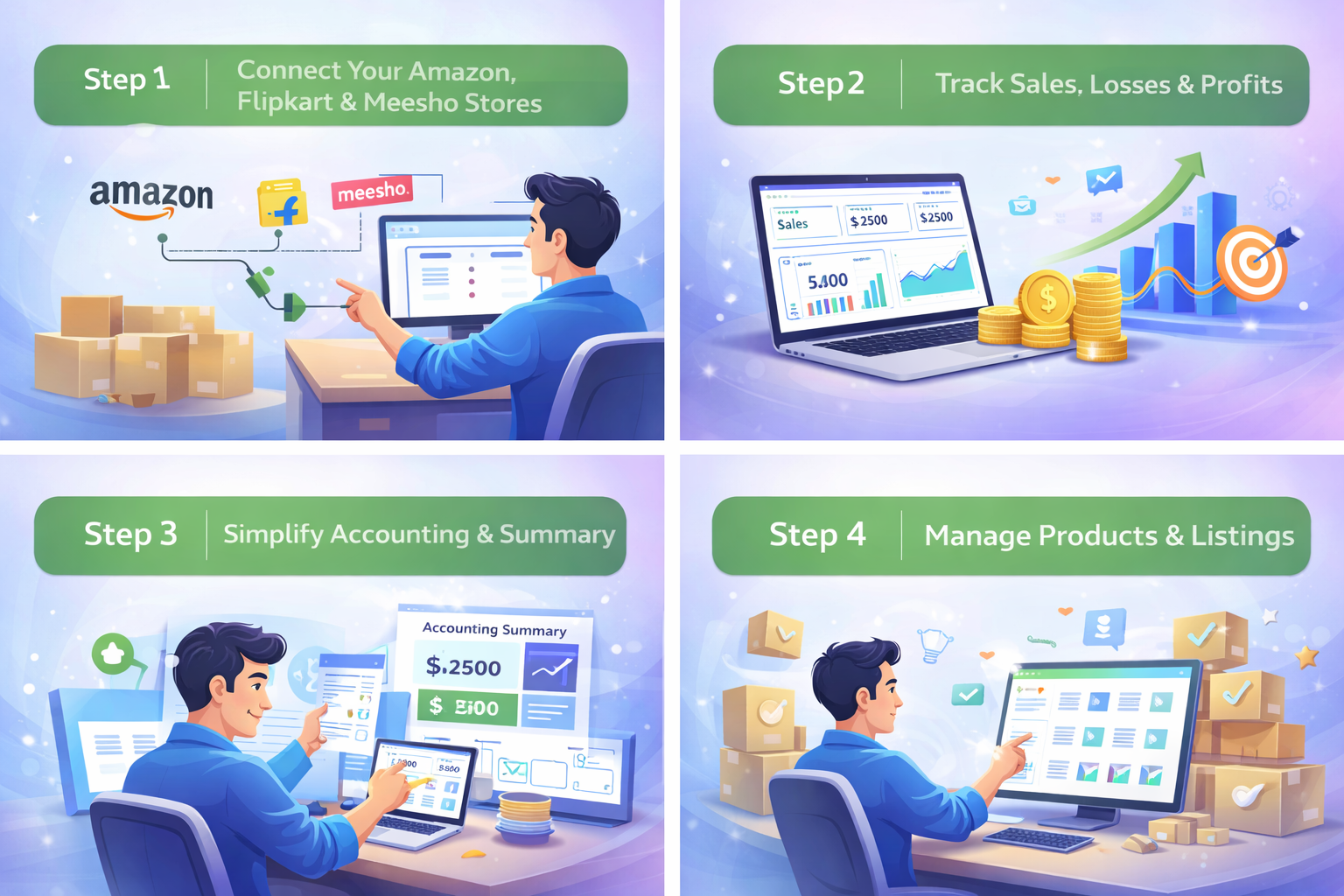
How BizLedger Solves This Problem ✅
BizLedger is built exclusively for Amazon, Flipkart & Meesho sellers.
With BizLedger, you can:
-
Auto-import marketplace reports
-
Track order-wise profit
-
Include ads, returns & GST
-
View daily, monthly & yearly P&L
-
Avoid Excel errors and confusion
Final Words from BizLedger
If you don’t track profit daily,
you don’t really know your business.
Smart sellers don’t guess.
They track, control, and grow—with BizLedger. www.bizledger.in